
Travel Logging
Capture moments with a map-friendly location trail. Organize by city, day, or attraction.
Outcome: A clean, shareable trip record with location context.
GPS Camera Buddy transforms every photo and video into a reliable, usable record. Each capture is automatically organized into clear, structured albums, making it easy to review content quickly and understand exactly when and where it was taken. Instead of scattered files, you get a coherent visual log you can trust for documentation, reference, or storytelling.
When it’s time to share or store your work, upload directly to Google Drive and Dropbox, or use the iOS share sheet for Facebook, Instagram, Messages, Mail, and other compatible installed apps.
Designed for repeat documentation: fast capture, clean review, and simple uploading/sharing.
Fast shooting for jobs, trips, inspections, and progress logs.
Keep the “where and when” attached to every file.
Create albums per property, project, room, city, or day.
Confirm what you captured immediately so nothing is missed.
Upload to Google Drive or Dropbox from inside the app.
Open the iOS share sheet for Facebook, Instagram, email, text, and other compatible installed apps.
If you need proof, organization, and quick delivery, GPS Camera Buddy fits.
Capture moments with a map-friendly location trail. Organize by city, day, or attraction.

Move-in/move-out condition records, listing photos, renovations, and walkthroughs.

Storm, flood, fire, or vandalism: capture conditions, then upload to a claim folder fast.
Inspections, maintenance logs, compliance photos, jobsite progress, and audits.
A simple workflow that stays out of your way.
Capture photos and videos with GPS + timestamp when enabled.

Swipe and confirm. Sort into the correct album by project or location.

Upload to Drive or Dropbox, or open the iOS share sheet for social media, email, and text.

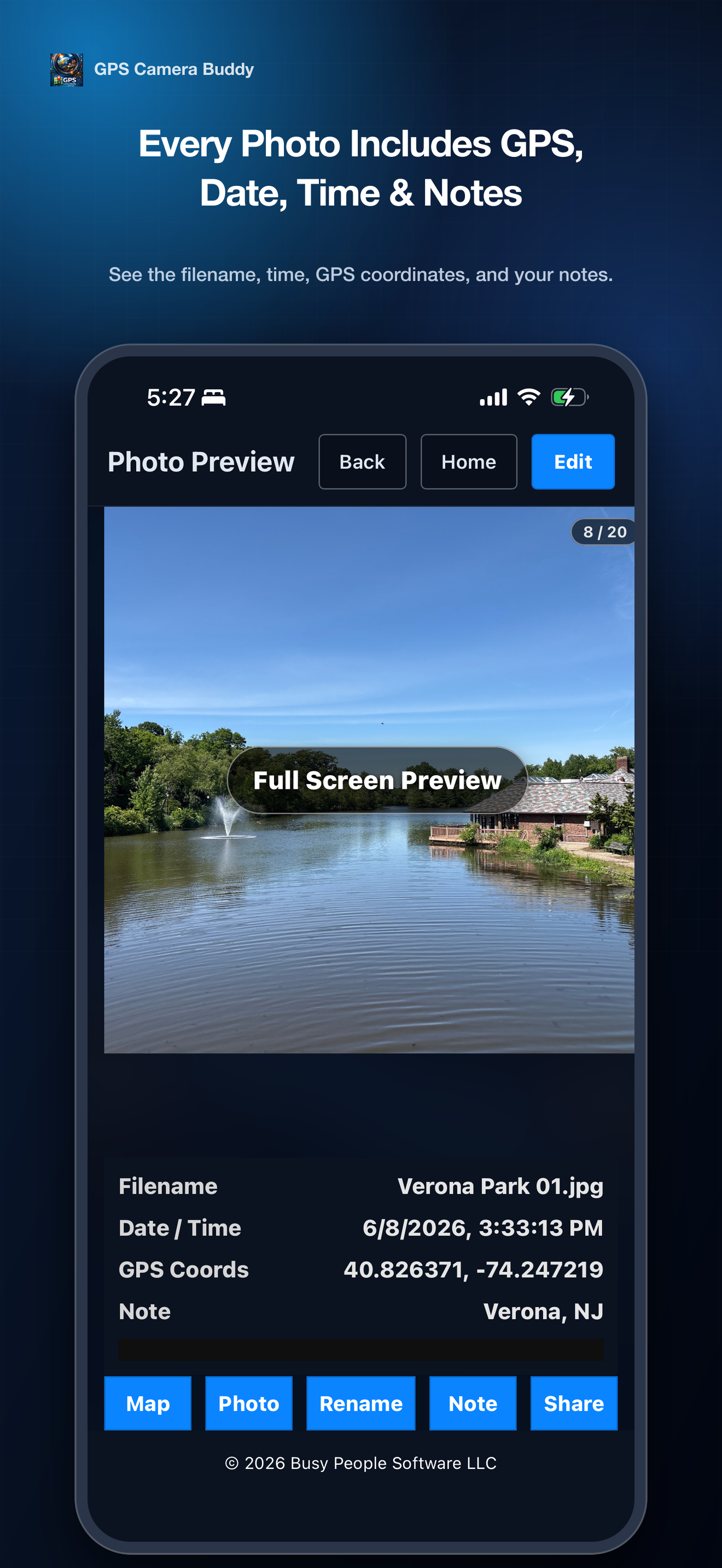
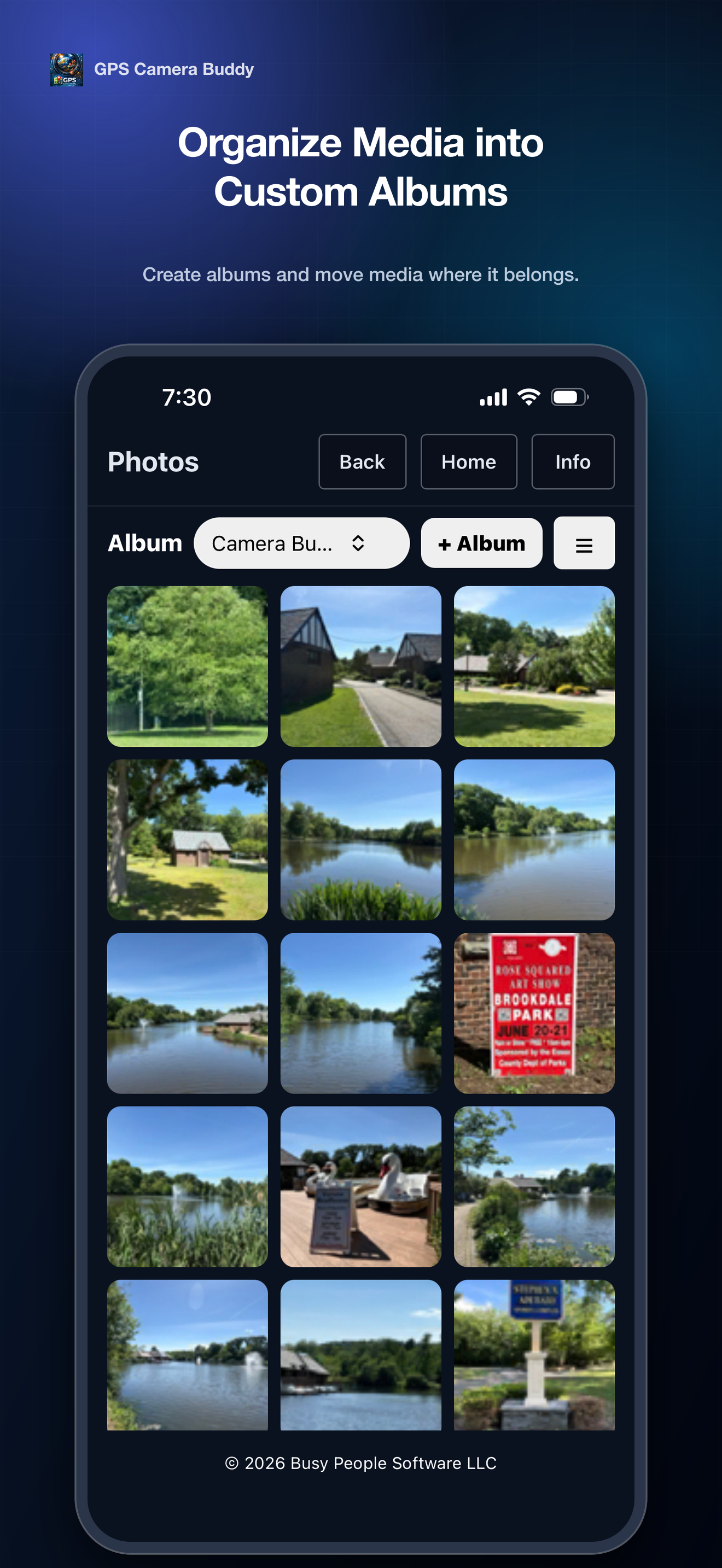
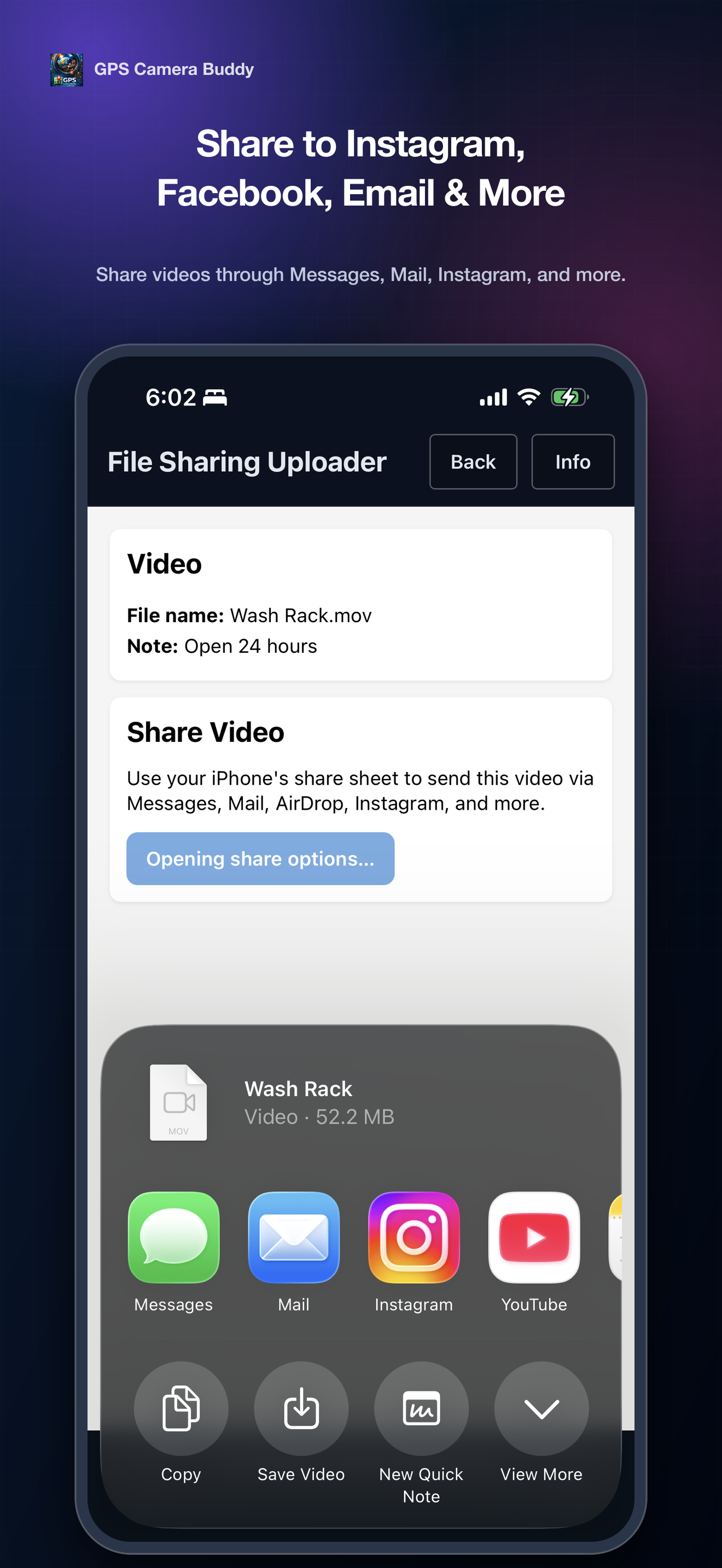
Faster documentation. Cleaner albums. Easy delivery.
GPS Camera Buddy respects your permissions. Location is used to tag captures when enabled.
Short answers for common questions.
GPS Camera Buddy is a photo and video management app that helps you capture, organize, edit, and share media while automatically recording location, date, and time information.
Yes. GPS Camera Buddy supports both photo and video capture, organization, editing, and sharing.
GPS Camera Buddy can store:
GPS coordinates
Capture date and time
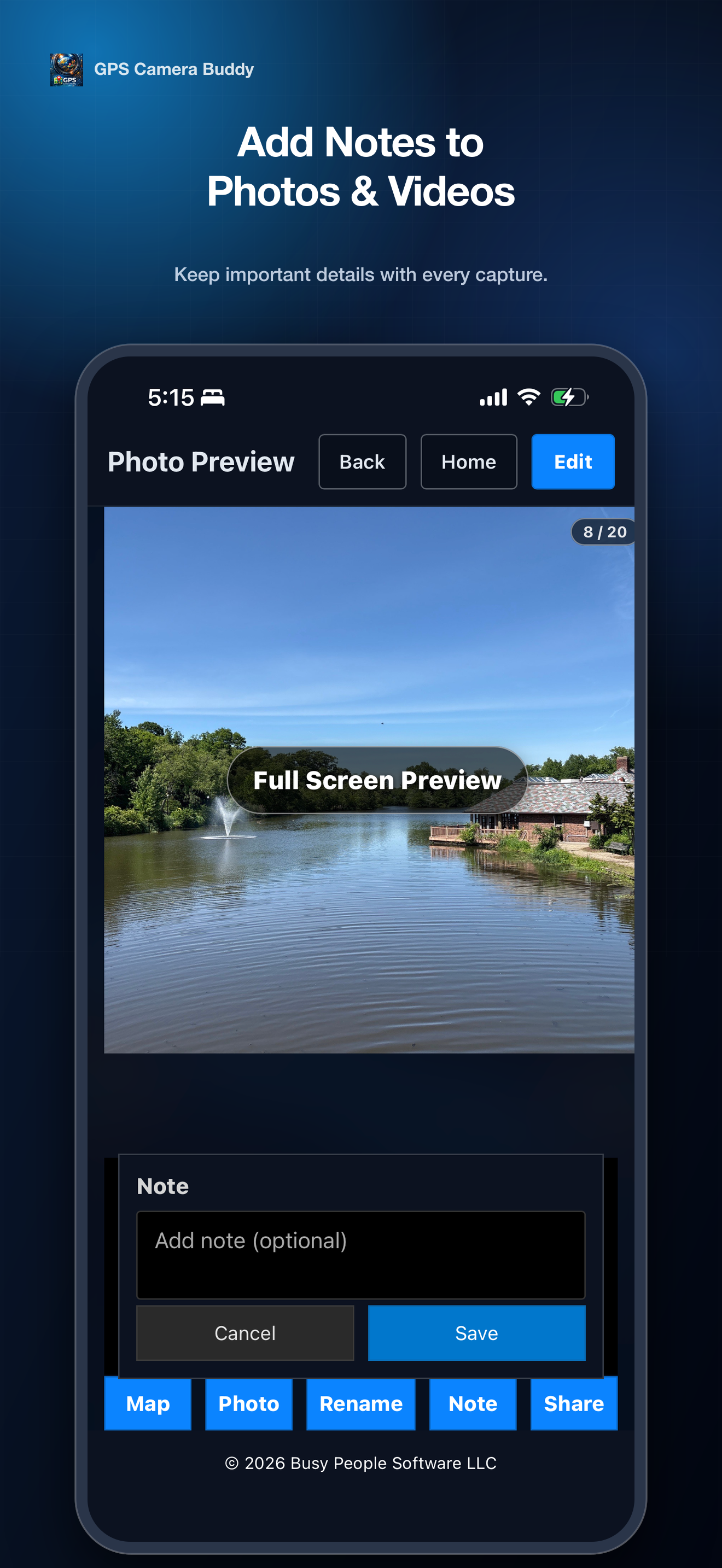
Custom notes
File information and metadata
This information helps document where and when media was captured.
Yes. Create your own custom albums and folders to organize media by project, job site, property, trip, inspection, event, or any category you choose.
Yes. Tap the map option and GPS Camera Buddy can open the saved location in Google Maps so you can get directions back to the capture location.
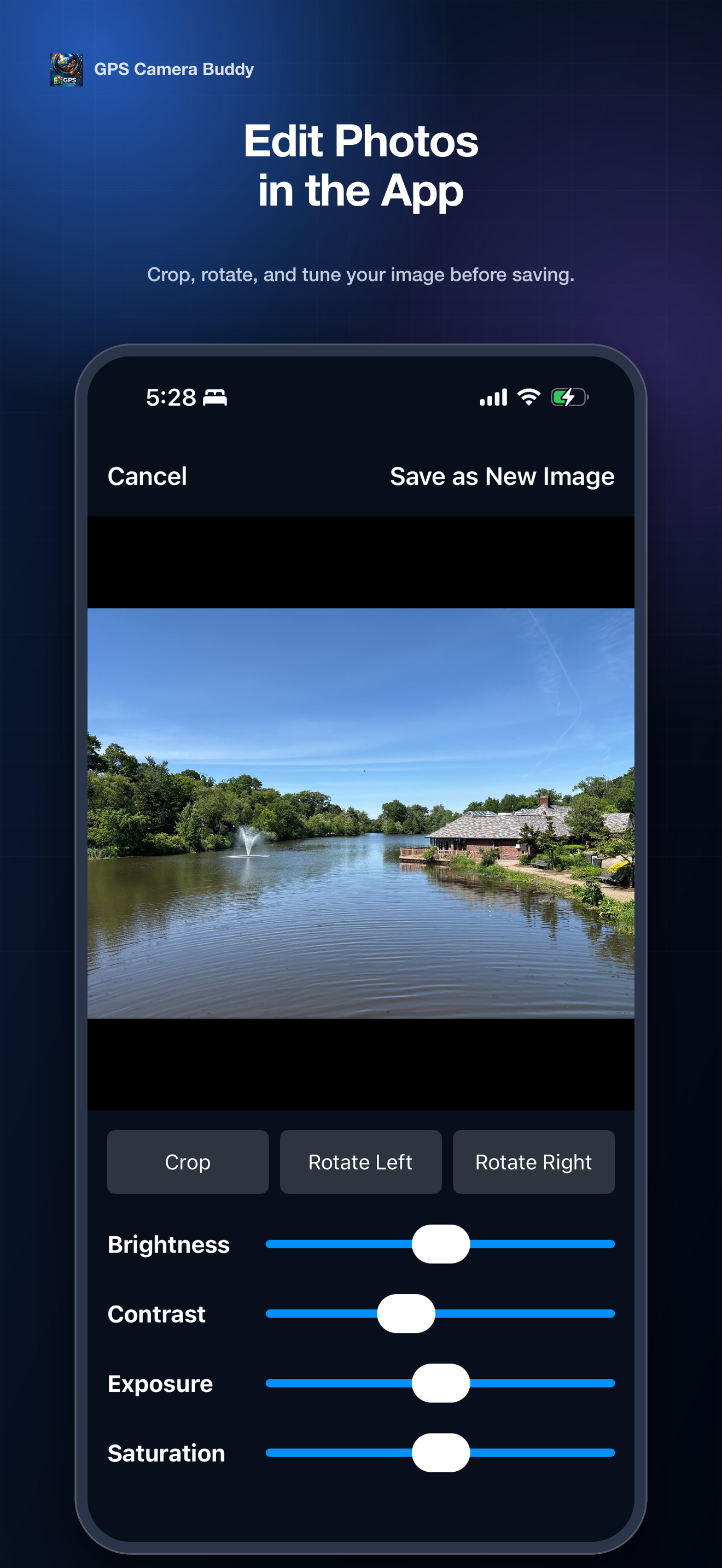
Yes. GPS Camera Buddy includes photo editing tools that allow you to adjust:
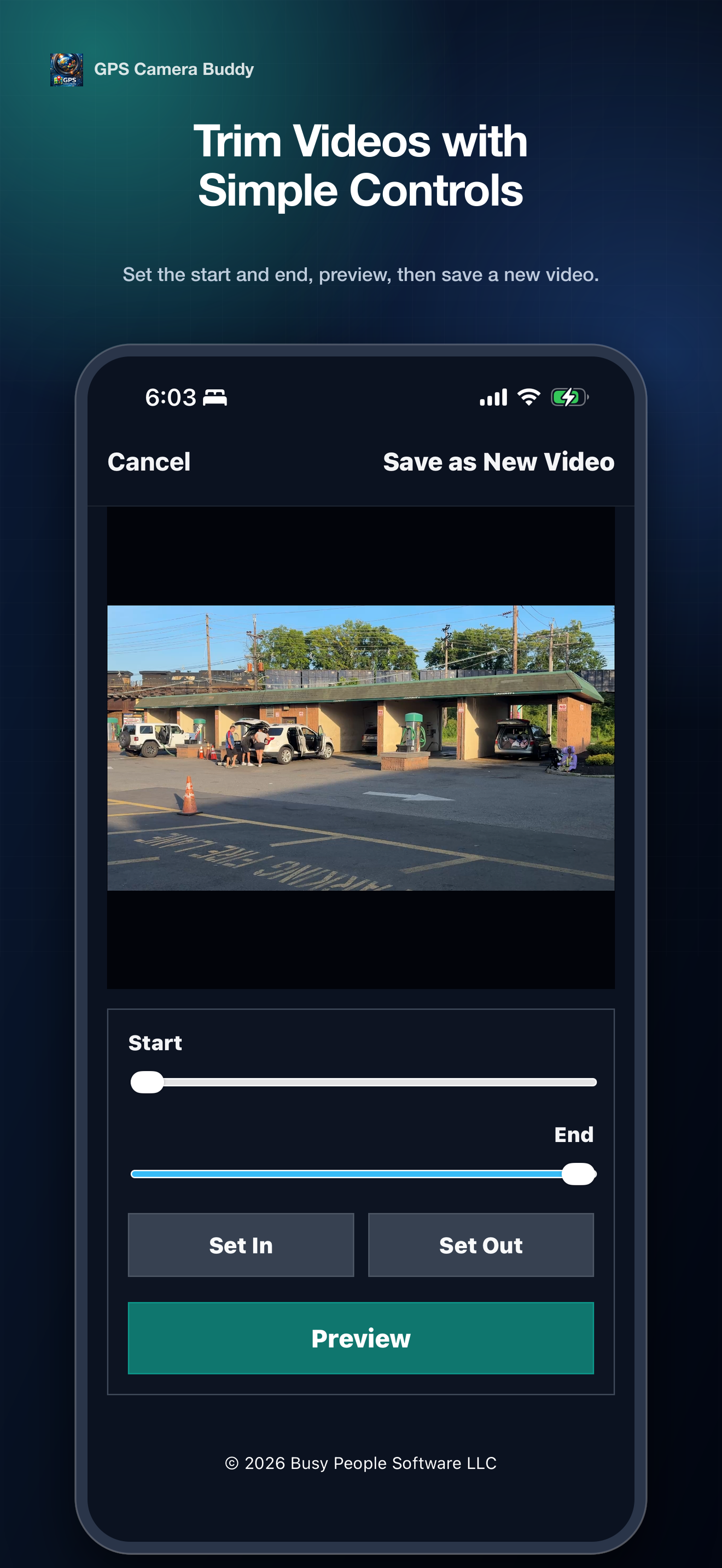
Yes. You can trim videos by selecting custom start and end points to create shorter clips before sharing.
GPS Camera Buddy supports sharing to:
Yes. Photos and videos can be uploaded directly to Google Drive and Dropbox for backup, storage, and sharing.
Yes. The app supports uploading large video files to Google Drive and Dropbox, making it easier to store and share important recordings.
GPS Camera Buddy is useful for:
No. You can capture photos and videos without an internet connection. Internet access is only needed for cloud uploads, sharing, maps, and certain online services.
Your photos, videos, notes, and location information remain under your control. GPS Camera Buddy does not publicly share your information unless you choose to share it.
Currently GPS Camera Buddy is designed only for the iPhone.
You can send feedback, bug reports, feature requests, and suggestions directly through the contact information provided on this website.